English to Hindi Typing Tool
Type in English (Roman script) and get instant Hindi (Devanagari) output. Perfect for emails, social media, and documents.
Type Hindi in English - Free Transliteration Tool
Struggling to type in Hindi using a traditional keyboard? Our English to Hindi typing tool makes it simple. Just type phonetically in English (Roman script), and our tool automatically converts it to proper Hindi (Devanagari script). No need to install Hindi keyboard layouts or memorize complex key combinations.
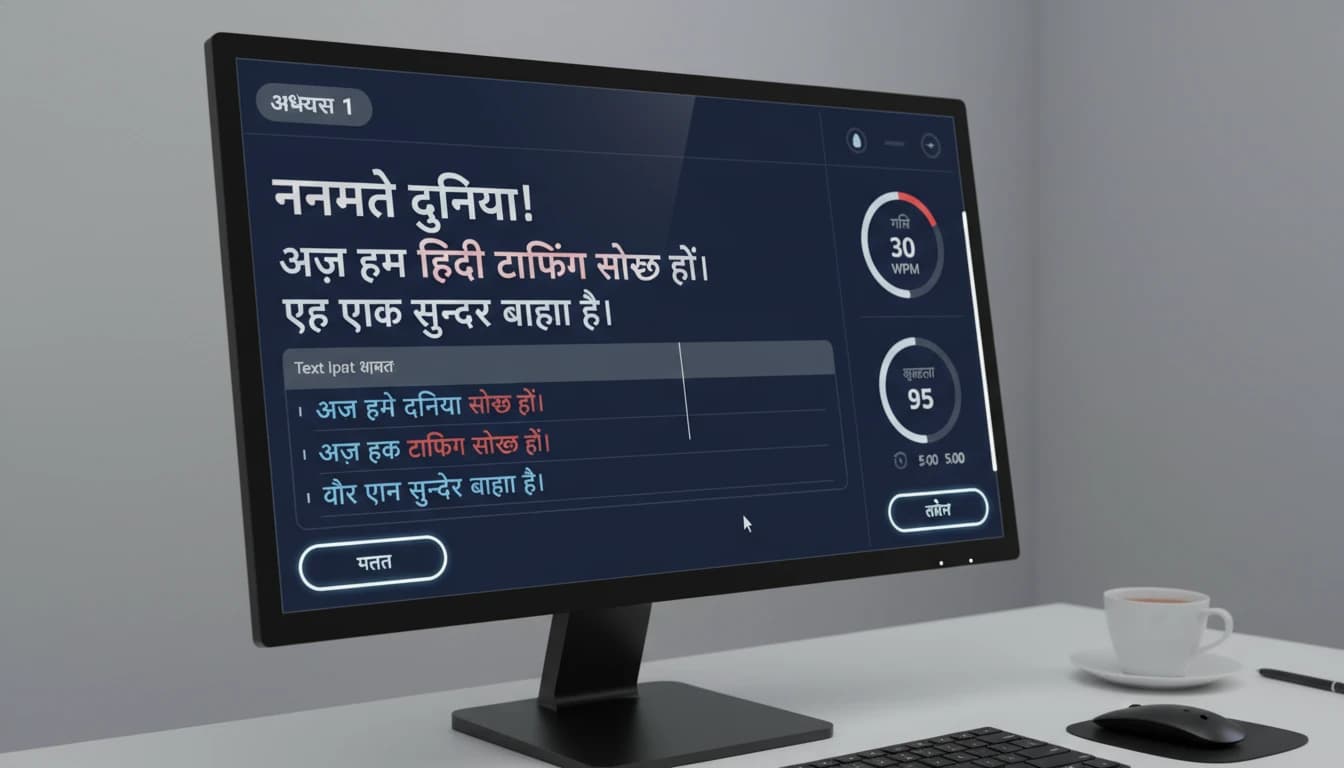
How to Use the Hindi Typing Tool
- Type your text using English letters in the input box
- The tool automatically converts it to Hindi Devanagari script
- Review your Hindi text in the output box
- Copy the text or download it as a text file
Features of Our Typing Tool
- Real-time Conversion: See Hindi text appear as you type
- Easy to Use: No learning curve - type naturally in Roman script
- Export Options: Copy to clipboard or download as .txt file
- No Installation: Works directly in your browser
- Free Forever: No registration or payment required
Perfect For

- Writing emails and messages in Hindi
- Creating social media posts in Devanagari
- Preparing documents and assignments
- Learning to write in Hindi script
- Communicating with Hindi-speaking friends and family
💡 Quick Examples:
namaste→ नमस्ते (Hello)dhanyavaad→ धन्यवाद (Thank you)kaise ho→ कैसे हो (How are you)
Our typing tool uses intelligent transliteration algorithms powered by Google Input Tools to convert your phonetic English input into accurate Hindi script. Start typing now and experience the easiest way to write in Hindi!
Frequently Asked Questions
How does Hindi typing work on this tool?▶
You type in English characters (Hinglish) and our tool automatically converts it to proper Devanagari Hindi script in real-time.
Do I need to install a Hindi keyboard?▶
No installation needed; our web-based typing tool works directly in your browser using English keyboard inputs.
Can I type Hindi without knowing Devanagari?▶
Yes, you can type phonetically in English and our transliteration engine will convert it to accurate Hindi script.
Does this work on mobile devices?▶
Absolutely, our Hindi typing tool is fully responsive and works seamlessly on smartphones, tablets, and desktop computers.
Are there keyboard shortcuts available?▶
Yes, you can use standard keyboard shortcuts for copy (Ctrl+C), paste (Ctrl+V), and clear text for efficient typing.